Connect to Your VPS Over SSH From macOS Terminal
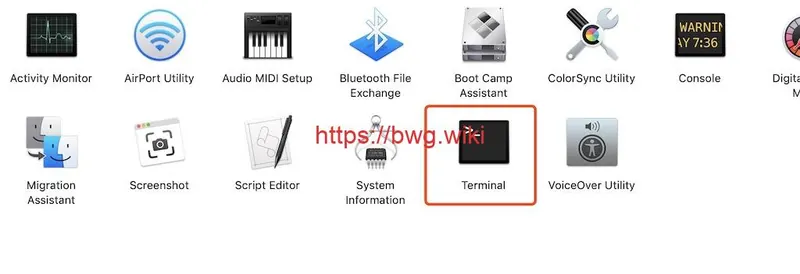
Find your own instance address, SSH port and permitted username in KiwiVM. Use the corresponding account from macOS Terminal and verify the host identity at the first connection.
Read control panel, OS installation and snapshot guides.
5 results
Find your own instance address, SSH port and permitted username in KiwiVM. Use the corresponding account from macOS Terminal and verify the host identity at the first connection.
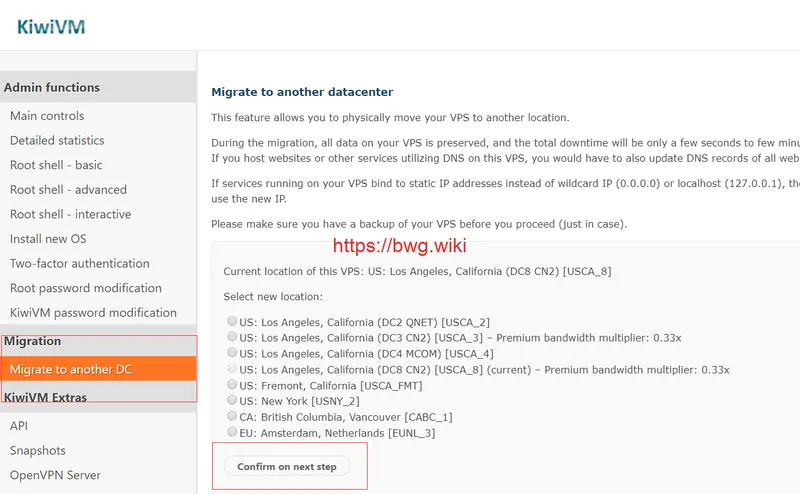
Prepare a maintenance window, backup and DNS plan before moving locations. The panel only shows destinations available to that instance.
Use KiwiVM to check resources, transfer and power state. OS reloads, snapshots, migration tools and console access have their own controls according to service eligibility.
Reinstalling typically overwrites the instance disk. Back up sites and databases, note the image, IP and access settings, then follow the control-panel steps.
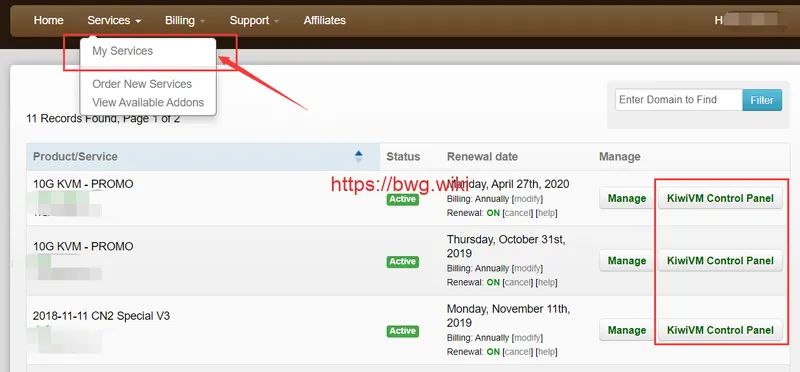
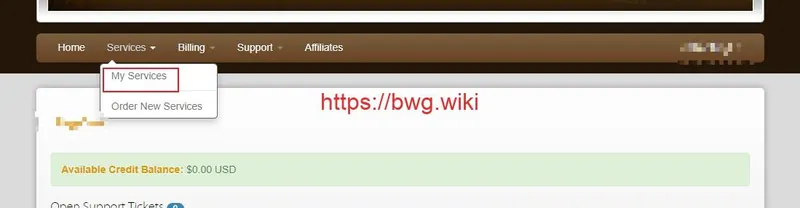
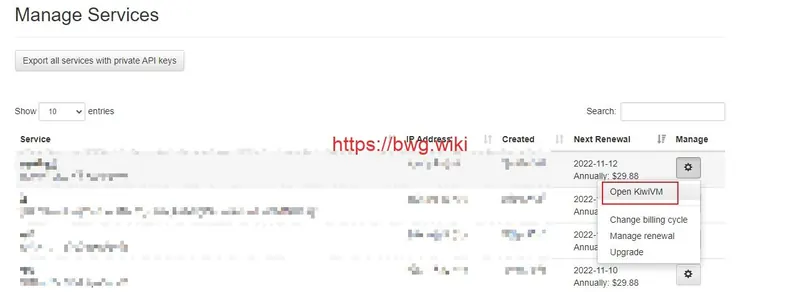
Open My Services in the client area and choose KiwiVM for the intended service. Archived screens can help locate the control, although labels may change.